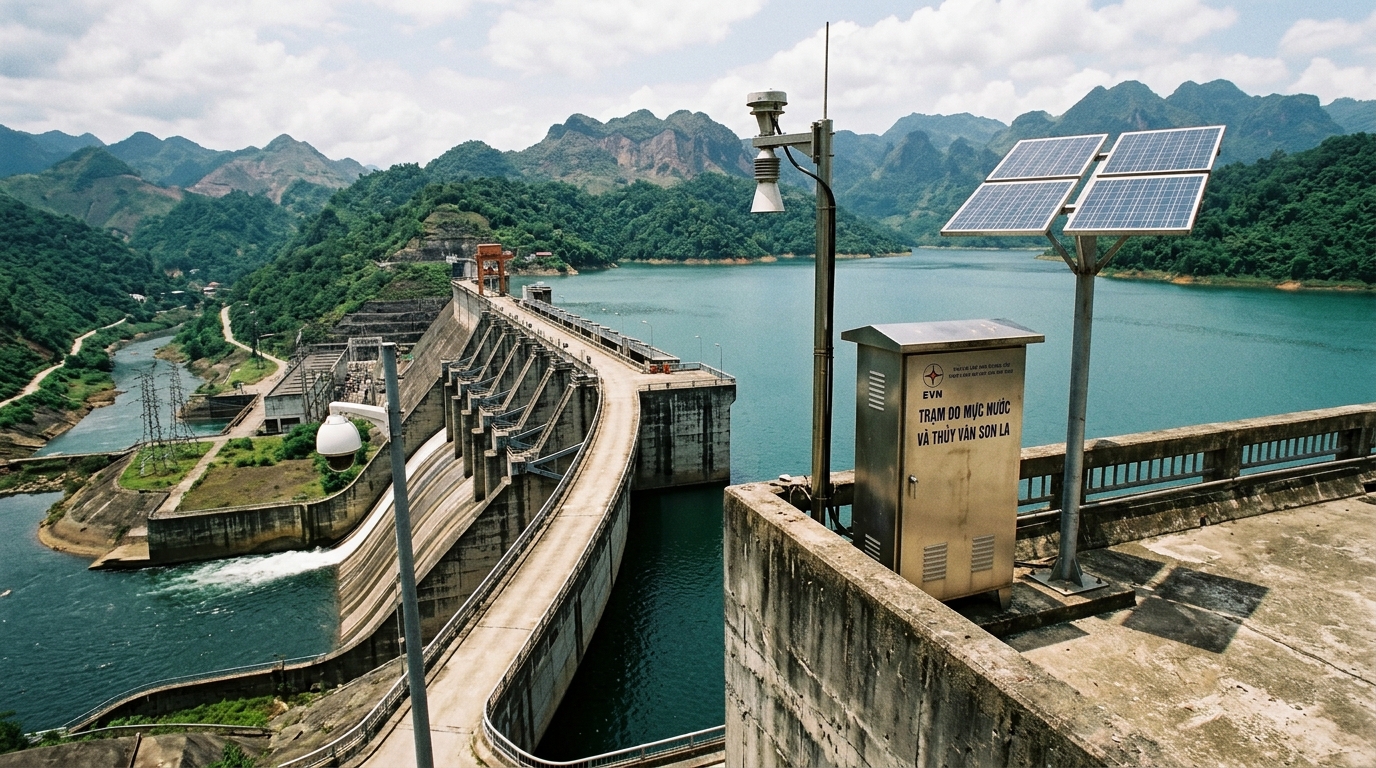
Transmitting automated water extraction monitoring data directly to the Department of Natural Resources and Environment (DONRE) server is a mandatory condition under Decree 53/2024/ND-CP and Circular 17/2021/TT-BTNMT for enterprises to be granted or renew groundwater and surface water exploitation licenses. Failure to connect telemetry data or transmitting malformed data files can halt business licensing, trigger operational suspensions, and incur administrative fines up to 250,000,000 VND.
This technical guide is part of DeviceLab's comprehensive engineering handbook on automated groundwater and surface water monitoring.
Many environmental engineering contractors and plant managers find themselves bogged down in bureaucratic confusion: what official documents to submit to DONRE, how to structure Circular 17 text files correctly, and how to troubleshoot FTP transmission errors when the server rejects incoming connections. This technical manual details the complete 4-step regulatory procedure, Circular 17 file syntax specifications, and fast 5-minute setup on the DeviceLab DL-ENV10 Datalogger.
Regulatory Transmission Overview (Decree 53/2024/ND-CP & Circular 17/2021/TT-BTNMT):
- Transmission Destination: Environmental Monitoring & Information Technology Center under provincial DONRE (Sở Tài nguyên và Môi trường).
- Standard Protocols: FTP (File Transfer Protocol - Port 21) or SFTP (SSH File Transfer Protocol - Port 22) operating in Passive Mode (PASV).
- File Format: Encrypted or structured plain text file (.txt) using standard ASCII / UTF-8 encoding without BOM, formatted strictly with tab or semicolon delimiters.
- Transmission Frequency: 01 hour per cycle (or 15 minutes depending on provincial directives).
- Recommended Gateway: DeviceLab DL-ENV10 IoT Datalogger with automated file packaging, cyclic redundancy check (CRC), and auto-backfill on network recovery.
📑 Table of Contents

4-Step Registration Procedure for Data Connection at Provincial DONRE
To successfully hook up an automated water extraction monitoring cabinet to the provincial environmental department, contractors must navigate the following four administrative and engineering steps:
1.1. Step 1: Submitting Official Telemetry Registration Dossier
The enterprise prepares and submits an official dispatch to the Department of Natural Resources and Environment (Division of Water Resources & Minerals, or the Environmental Monitoring Center). The dossier must include:
- Official letter requesting technical connection parameters for water resource monitoring.
- Copy of the Water Resource Exploitation License (or application dossier for new licenses).
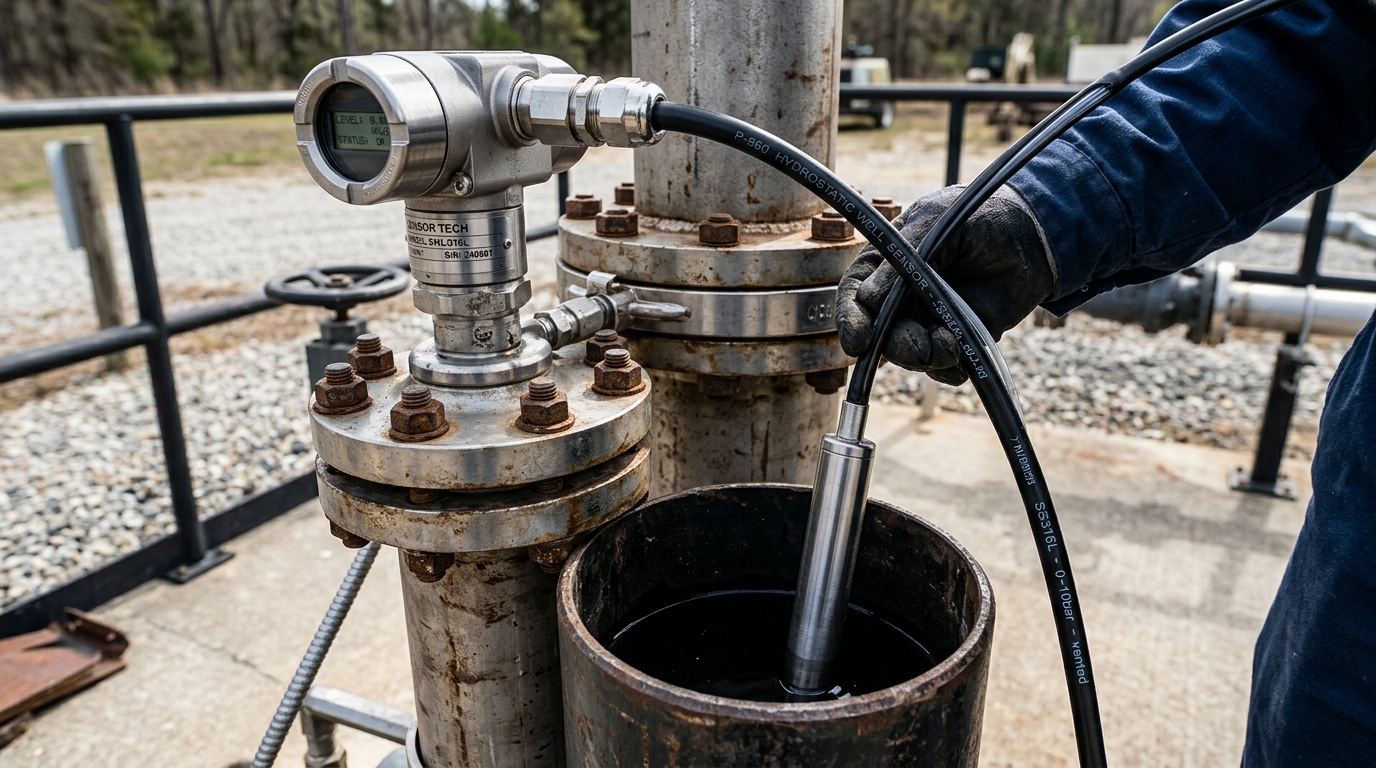
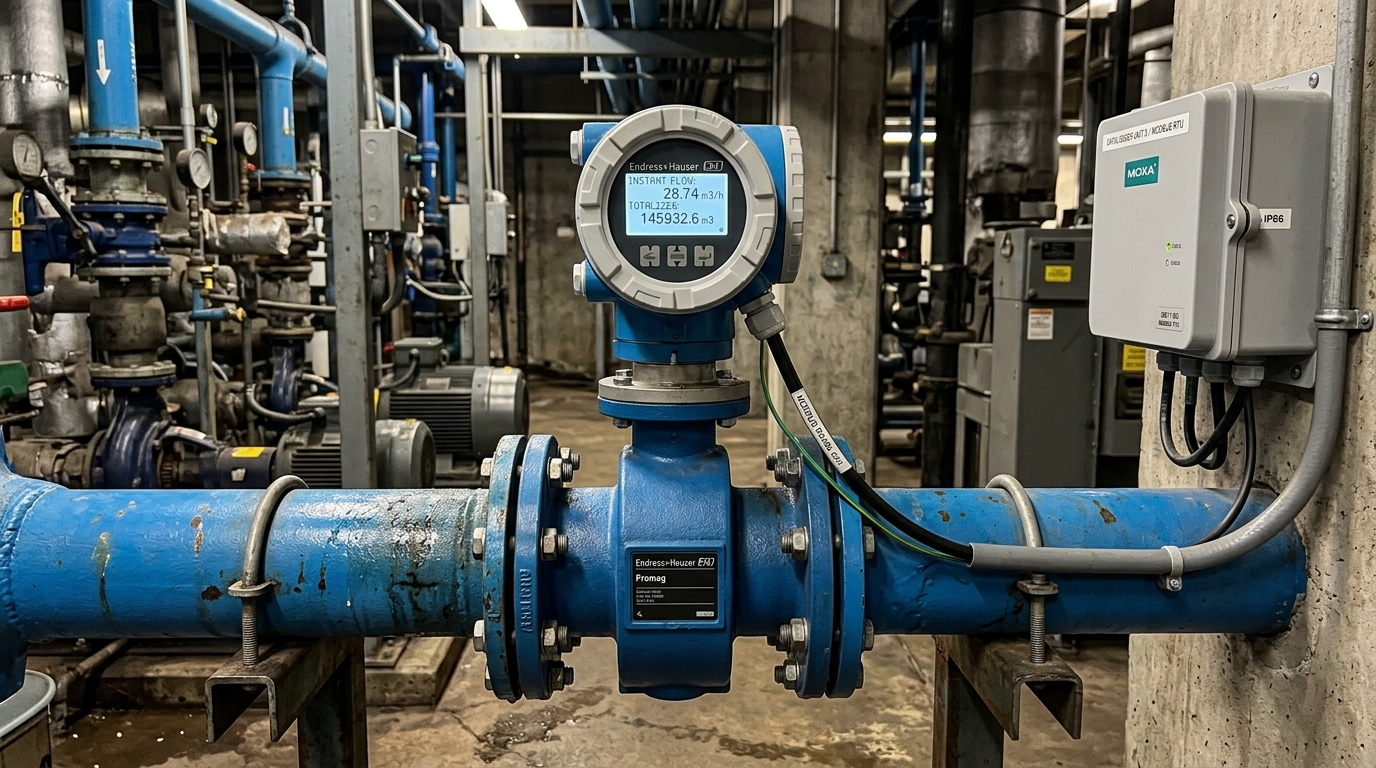
- Technical layout drawing of the extraction works (well coordinates, intake pump elevation, piping diameter, installation location of flow meter and level sensor).
- Equipment specification catalog and metrological verification stamps / calibration certificates of the measurement devices.
1.2. Step 2: Receiving DONRE Technical Connection Parameters
Within 5 to 7 working days, DONRE issues an official reply document granting account access. This document specifies:
- Server Host IP or Domain: (e.g.,
ftp.sotnmt.dongnai.gov.vnor113.161.x.x). - Protocol & Port: FTP (Port 21) or SFTP (Port 22).
- FTP Account Credentials: Dedicated Username and Password.
- Target Directory Path: Remote folder designated for the enterprise (e.g.,
/QUANTRAC_NUOCNGAM/CTY_ABC/). - Assigned Station Code (MaTram): Unique alphanumeric string identifying the extraction facility (e.g.,
NN_ABC_01).
1.3. Step 3: Configuring Datalogger & Conducting Continuous 24h–72h Test Run
The commissioning engineer enters the granted connection parameters into the datalogger. The system initiates cyclic data logging and file uploads every 1 hour (or 15 minutes). DONRE IT administrators monitor the receiving directory for 24 to 72 continuous hours to verify:
- 100% transmission success rate without file drops or zero-byte files.
- Proper file naming syntax and parameter headers.
- Logical data validity (static/dynamic water levels within physical hydrogeological bounds, non-negative flow rates).
1.4. Step 4: Signing Connection Acceptance Record & Finalizing License
Once the test transmission passes, DONRE and the enterprise execute an official "Data Connection & Transmission Confirmation Record" (Biên bản nghiệm thu kết nối dữ liệu). This document is the decisive prerequisite for the Department to sign and issue the official Water Extraction License.
Circular 17 File Naming & Internal Text Structure Standards
Circular 17/2021/TT-BTNMT imposes rigorous formatting requirements on monitoring data files. Any structural deviation causes automated server validation scripts to reject the file.
2.1. File Naming Convention Syntax
Example: NN_HOAPHT_GK01_20261015090000.txt corresponds to station code NN_HOAPHT_GK01 recorded at 09:00:00 on October 15, 2026.
2.2. Internal Text Line Record Specification Table
| Field Order | Field Key | Data Type | Standard Format & Units | Description |
|---|---|---|---|---|
| 1 | Time | DateTime | YYYY-MM-DD HH:mm:ss | Timestamp of data sample |
| 2 | MucNuocTinh | Numeric (Float) | meters (m) | Static water level depth from wellhead |
| 3 | MucNuocDong | Numeric (Float) | meters (m) | Dynamic water level depth while pumping |
| 4 | LuuLuongTucThoi | Numeric (Float) | m³/h | Instantaneous pumping discharge rate |
| 5 | LuuLuongTichLuy | Numeric (Float) | m³ | Cumulative total extracted volume |
| 6 | TrangThai | String (Code) | 00 / 01 / 02 | 00: Normal, 01: Maintenance, 02: Calibration |
Configuring FTP/SFTP on DeviceLab DL-ENV10 in 5 Minutes
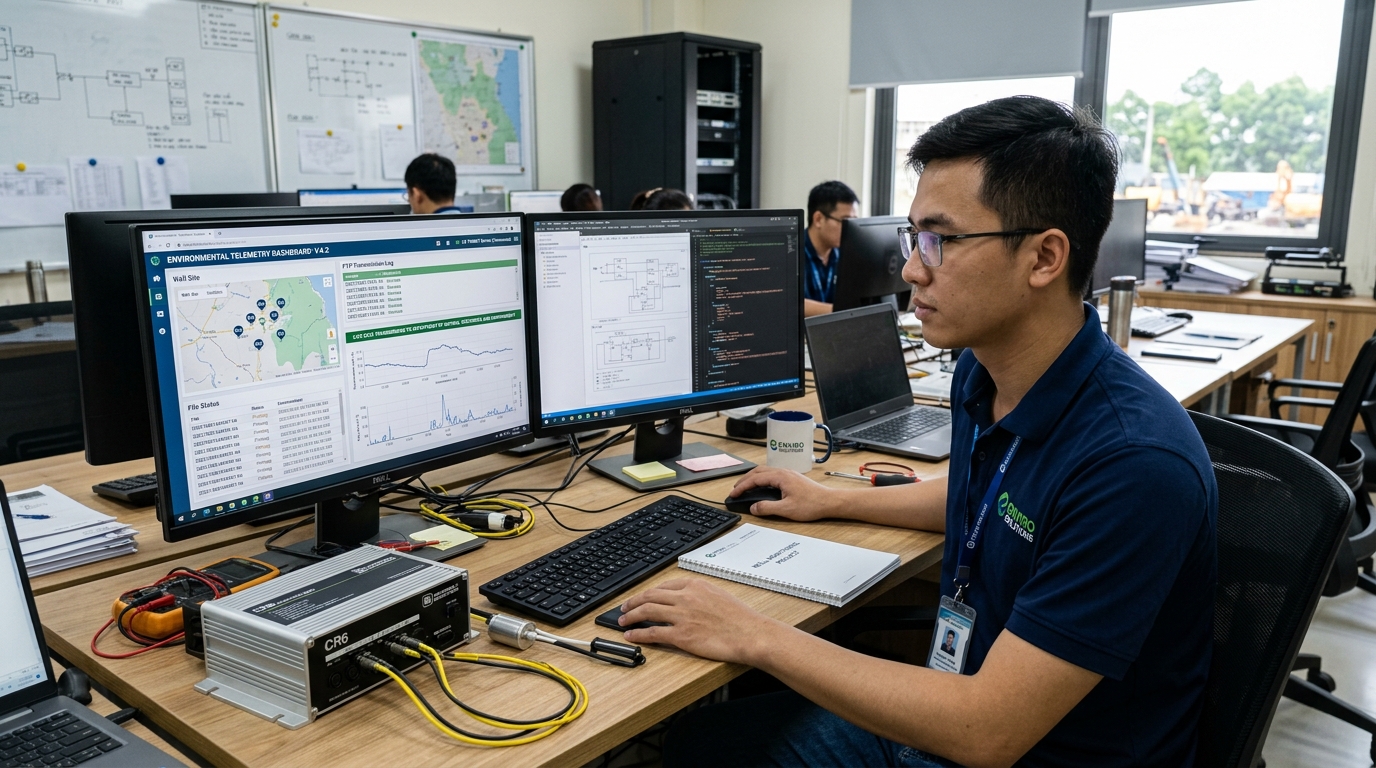
The DeviceLab DL-ENV10 Datalogger provides a pre-programmed "Vietnam Water Telemetry - TT17" transmission template. Setting up connection requires only three simple steps on the web dashboard:
- Navigate to Server Transmission → Add Primary Destination. Select protocol (FTP or SFTP) and enter Server IP, Port, Username, Password, and Remote Directory.
- Under Transmission Profile, choose Circular 17/2021/TT-BTNMT (Water Resources). Enter the official Station Code (MaTram) provided by DONRE.
- Click Send Test File Now. The DL-ENV10 immediately establishes socket connection, uploads a dummy validation file, checks return codes (226 Transfer Complete), and confirms connection status via green LED and web notification.