Choosing between a generic Windows Industrial PC (IPC) and a purpose-built embedded IoT datalogger like the DeviceLab DL-ENV10 is a pivotal architectural decision for environmental engineering contractors and industrial plant owners. While an Industrial PC running a desktop operating system appears versatile during initial software demonstrations, extensive field data across hundreds of wastewater, groundwater, and CEMS stations in Vietnam reveals that generic Windows IPCs suffer a catastrophic 58% failure rate within their first two years of outdoor field deployment.
This technical guide is part of DeviceLab's comprehensive engineering handbook on environmental monitoring datalogger compliant with Circular 10.
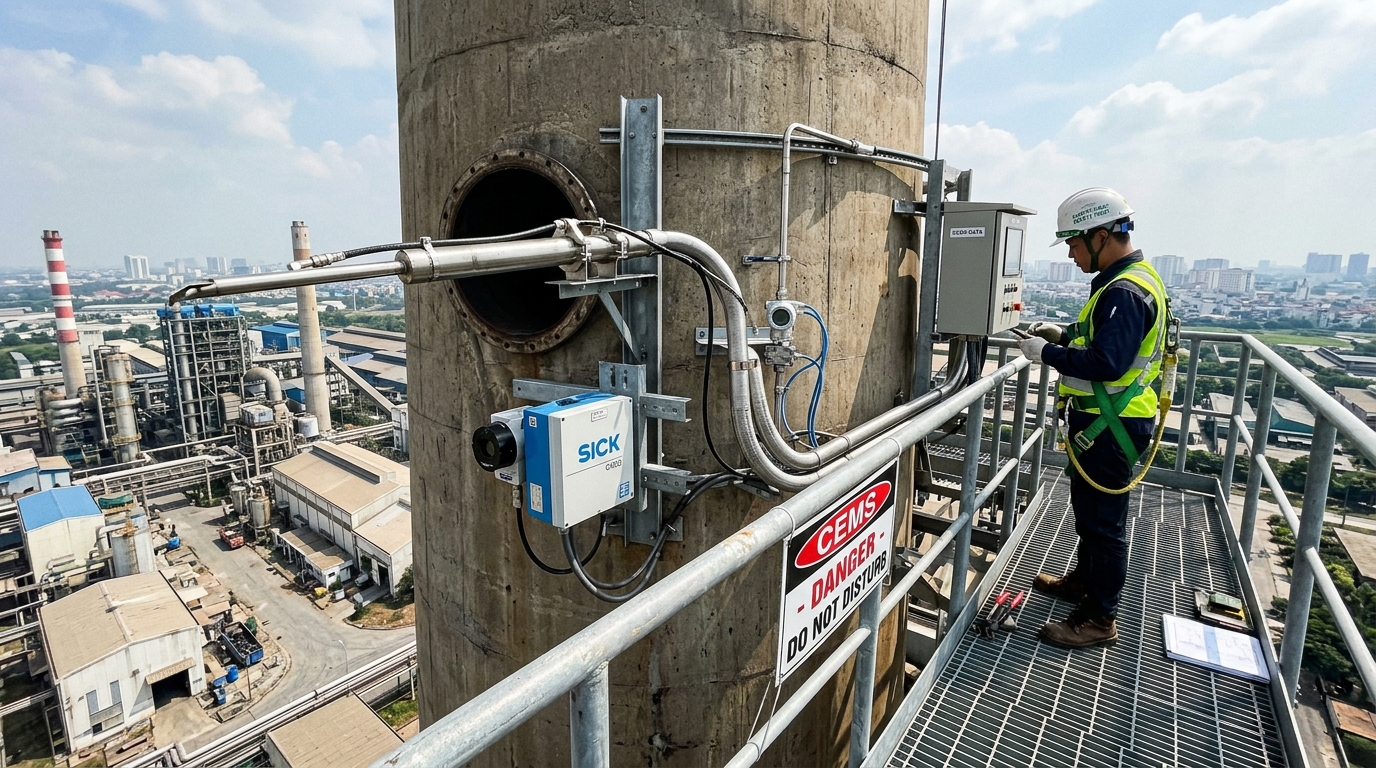
The harsh reality of outdoor environmental monitoring stations—characterized by localized power outages, 98% relative humidity, ambient summer heat exceeding $50^circ C$ inside enclosures, corrosive airborne hydrogen sulfide ($H_2S$) and sulfur dioxide ($SO_2$), and continuous lightning exposure—ruthlessly exposes the vulnerabilities of desktop-derived computer architectures. This comprehensive engineering whitepaper diagnoses the five chronic failure modes of Windows IPCs, presents an itemized technical benchmark against the DeviceLab DL-ENV10 Embedded Datalogger, and outlines a 60-minute field retrofit procedure.
Executive Technical Comparison Summary:
- Windows Industrial PC (IPC): High power consumption ($35W–65W$), complex multi-layer OS vulnerable to SSD file table corruption during power cuts, fan degradation in chemical atmospheres, and recurring license costs.
- Embedded DeviceLab DL-ENV10: Ultra-low power ARM Cortex architecture ($< 1.5W$), real-time deterministic FreeRTOS operating system, power-loss safe SPI NOR Flash memory, dual 3.0kV isolated RS485 ports, and native physical lead tamper sealing.
- Regulatory Compliance: The DL-ENV10 fulfills 100% of technical criteria under Article 39 Circular 10/2021/TT-BTNMT and Circular 17/2021/TT-BTNMT out of the box.
📑 Table of Contents

5 Chronic Failure Modes of Windows Industrial PCs in Monitoring Stations
Field maintenance reports across Vietnamese industrial zones identify five recurring fatal flaws inherent to generic Windows computers:
1.1. Sudden Power Cuts & SSD File System Corruption
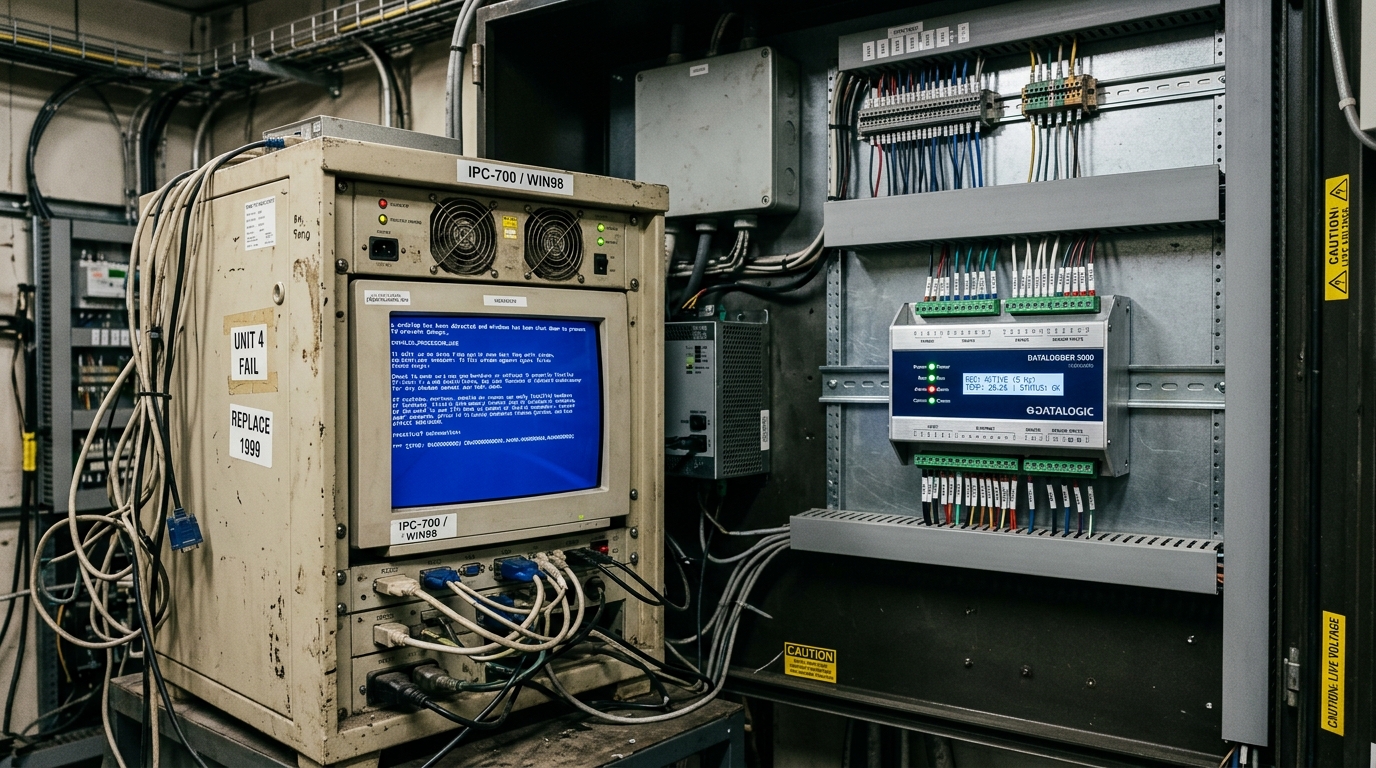
Wastewater and pumping stations frequently experience localized grid trips. When power cuts abruptly while Windows is writing metadata to its NTFS solid-state drive (SSD), master file tables become corrupt. Upon power restoration, the PC hangs at the blue "Automatic Repair" recovery screen, halting all data transmission until a technician physically visits the site with a keyboard.
1.2. Forced OS Updates & Spontaneous Restarts
Even on Windows 10/11 Enterprise and IoT versions, background update services periodically download cumulative patches, forcing unannounced system reboots. Background data logging scripts (Python, LabVIEW, C#) are killed, causing monitoring data blackouts that trigger regulatory breach notices.
1.3. Excessive Power Consumption & Bulky UPS Failure
An IPC consumes $35W–65W$. Backing up an IPC for 24 hours of grid outage requires massive 100Ah lead-acid battery banks and heavy 1000VA inverters that occupy half the shelter and generate excessive internal cabinet heat.
1.4. Cooling Fan Failure in Corrosive Chemical Air
Air around wastewater flumes and flue gas analyzer shelters contains trace hydrogen sulfide ($H_2S$) and acid aerosols. Cooling fans suck this corrosive air across IPC motherboards, corroding electrolytic capacitor leads and causing catastrophic thermal shutdowns within months.
1.5. Malware Infection & Unsealed Enclosure Rejection
Unprotected Windows PCs connected to 4G routers fall prey to botnet attacks and USB worm infections. Furthermore, environmental inspectors frequently reject Windows desktop enclosures because they lack certified brackets for official lead tamper seals.
Technical Comparison Matrix: Windows IPC vs. Embedded DL-ENV10
| Evaluation Parameter | Windows Industrial PC (IPC) | DeviceLab DL-ENV10 Embedded Datalogger |
|---|---|---|
| Operating System | Windows 10/11 (Non-deterministic, high overhead) | Deterministic FreeRTOS (Instant boot in < 2s) |
| Power Consumption | 35W – 65W (Generates heavy internal heat) | < 1.5W (Ultra-low power, zero heat buildup) |
| Storage Architecture | Consumer SSD / Hard Drive (Corruptible file table) | 128MB Industrial SPI NOR Flash (100% Power-loss safe) |
| Hardware Optical Isolation | None (Requires external USB-to-RS485 dongles) | 3.0kV Optical & Magnetic Isolation on all ports |
| Regulatory Lead Sealing | Impossible to seal securely (Open ports) | Dedicated stainless steel lead seal bracket (TT10) |
| Form Factor & Mounting | Bulky desktop enclosure (Requires shelf space) | Standard 35mm Industrial DIN-Rail Mount |
60-Minute Field Retrofit Procedure Upgrading to DL-ENV10
Replacing an unstable Windows IPC with a DeviceLab DL-ENV10 requires only 60 minutes on site:
- Step 1 (Dismantle): Disconnect 220VAC power, remove the failing IPC, bulky UPS, external 4G router, and rat's nest of USB conversion dongles.
- Step 2 (DIN-Rail Mounting): Snap the compact DL-ENV10 directly onto the standard 35mm cabinet DIN rail alongside a compact 24VDC power supply.
- Step 3 (Wiring): Terminate RS485 sensor lines into Port 1/Port 2 and connect analog sensor loops to AI1–AI4. Screw in the 4G magnetic antenna.
- Step 4 (Zero-Code Configuration): Connect smartphone to the DL-ENV10 local WiFi dashboard, select the provincial DONRE profile, enter station credentials, and verify live transmissions. Retrofit complete!