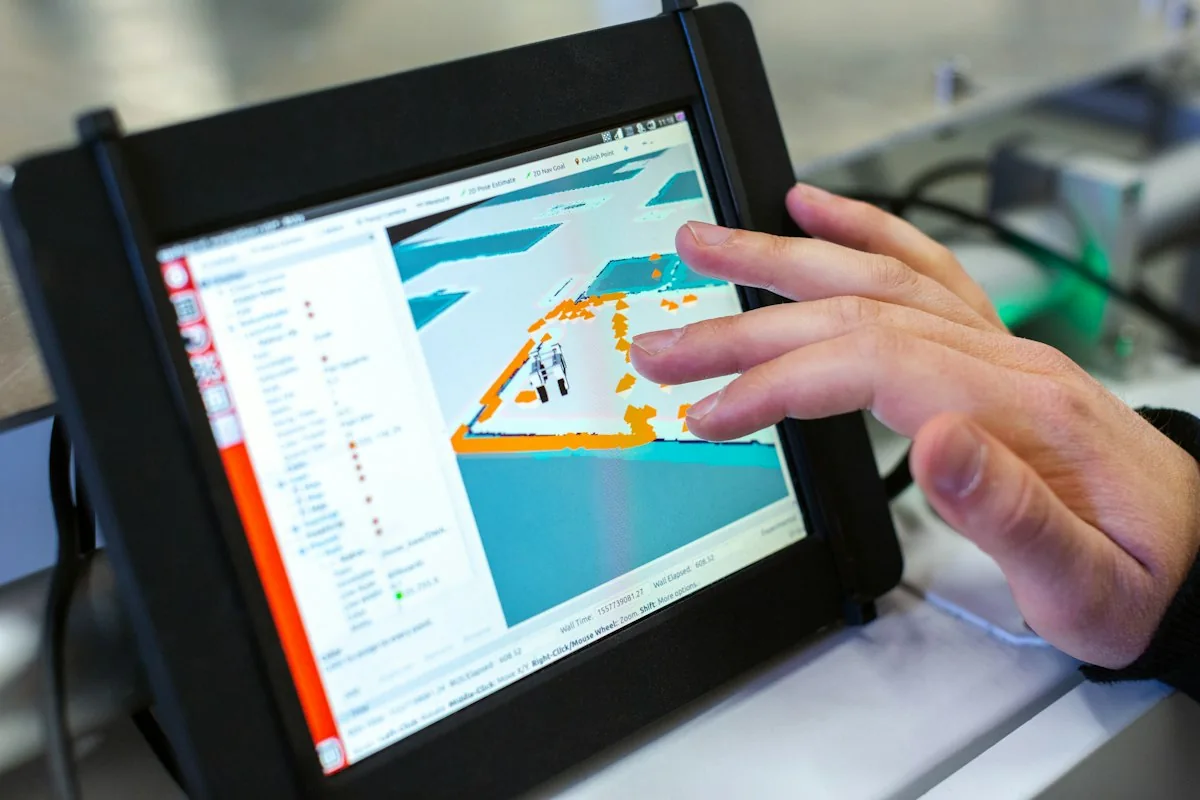
Embedded Linux is the engineering practice of compiling, customizing, and deploying a tailored Linux operating system kernel alongside a lightweight root filesystem (rootfs) onto microprocessors (MPUs) or Systems-on-Chip (SoCs) equipped with Memory Management Units (MMUs) to power high-performance connected industrial hardware, advanced multimedia displays, and intelligent edge IoT gateways.
This technical guide is part of DeviceLab's comprehensive engineering handbook on embedded systems architecture and firmware.
When electronic hardware development teams outgrow 32-bit microcontrollers (such as STM32 or ESP32) due to demanding requirements—such as high-definition graphical touch displays (Qt/LVGL), complex industrial network routing (dual gigabit Ethernet, Wi-Fi 6, 4G/5G), local SQL databases, containerization (Docker), or multi-protocol edge computing—migrating to an Embedded Linux architecture becomes mandatory.
This technical guide analyzes the boundary between microcontrollers and Linux SoCs, details the 4 standard structural tiers of Embedded Linux, compares Buildroot against the Yocto Project, exposes 5 hardware design pitfalls during SoC layout, and presents DeviceLab's turnkey Embedded Linux board design and BSP engineering capabilities.
What is Embedded Linux?

Embedded Linux is not a generic, off-the-shelf desktop operating system like Ubuntu or Debian; it is an ultra-lean, purpose-built operating system compiled from source code, stripped of unnecessary drivers and bloatware, optimized to boot in seconds, and execute reliably on flash memory storage (eMMC, NAND, or SPI NOR).
Unlike microcontroller firmware executing in a single flat memory address space, Embedded Linux leverages the processor's hardware Memory Management Unit (MMU). The MMU enforces virtual memory mapping and strict privilege separation between user space and kernel space—preventing an application software crash from halting the underlying core hardware system.
Comparison: When to Stay with an MCU vs. When to Upgrade to Embedded Linux
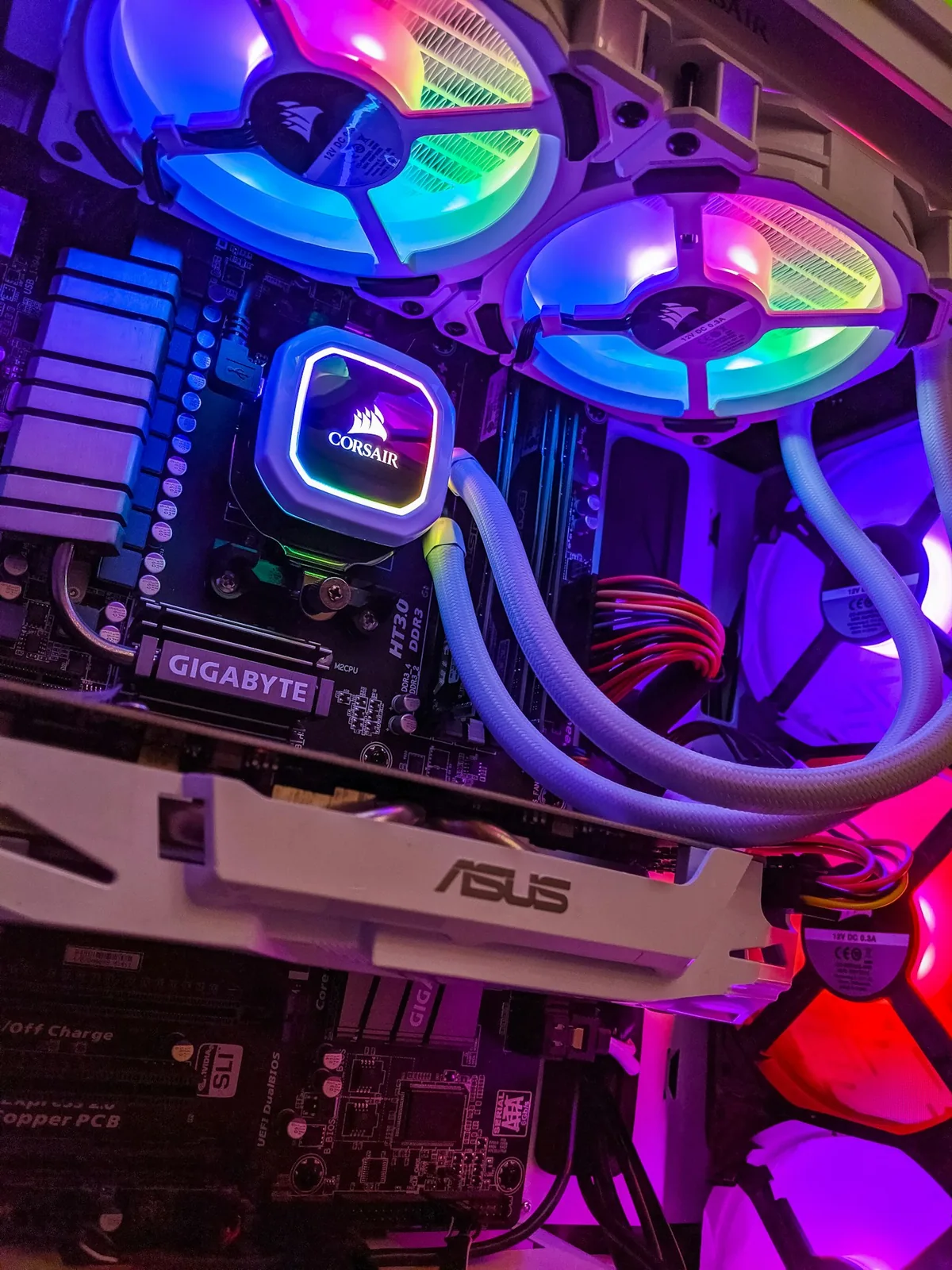
| Evaluation Criteria | Standard Microcontroller (MCU) | Embedded Linux System (MPU / SoC) |
|---|---|---|
| Processor Architecture | ARM Cortex-M (M0+/M4/M7), ESP32, RISC-V (No MMU) | ARM Cortex-A (A7/A35/A53/A55), MIPS, x86 (With MMU) |
| RAM Capacity | 32KB to 1MB internal SRAM | 64MB to 4GB+ external DDR3/DDR4/LPDDR4 memory |
| Storage Medium | 128KB to 2MB on-chip NOR Flash | 4GB to 32GB+ high-speed eMMC or NAND Flash |
| Operating System | Bare-metal super-loops or FreeRTOS / Zephyr | Custom Linux Kernel (LTS 5.x / 6.x) + BusyBox / systemd |
| Development Languages | Primarily C and modern embedded C++ | C/C++, Python, Go, Rust, Node.js, Shell scripting |
| Cold Boot Time | Instantaneous (5ms to 100ms) | 1 to 3 seconds (optimized Buildroot) up to 15s |
| Unit Hardware BOM | Low ($1.00 – $5.00 for silicon) | Higher ($15.00 – $60.00 for SoC, PMIC, and DDR/eMMC) |
| Hardware PCB Complexity | Simple 2 to 4-layer PCB with standard rules | High-speed 6 to 8-layer PCB with DDR length matching |
Architectural Selection Guidelines
- Choose an MCU: If the product is battery-operated requiring microampere sleep modes, performs simple sensor telemetry, needs instant sub-second boot times, and unit BOM cost is capped under $10.
- Choose Embedded Linux: If the product requires high-definition graphical UI displays, simultaneous dual gigabit networking, local video decoding, execution of complex data processing pipelines, web server hosting, or remote management of thousands of connected microservices.
The 4 Standard Tiers of an Embedded Linux Architecture

User Space Applications (Custom C++ Apps, Python, Qt GUI, Web Services)
            ↓ (Standard POSIX System Calls: open, read, ioctl, socket)
Root Filesystem (Rootfs: /etc, /bin, /lib, BusyBox, glibc/musl)
            ↓ (Device Drivers, Memory Management, Process Scheduling)
Linux Kernel & Compiled Device Tree Binary (.dtb)
            ↓ (Hardware Initialization, Memory DRAM Calibration, Kernel Loading)
Bootloader (U-Boot / SPL - Secondary Program Loader)
            ↓ (Direct Electrical Execution)
Physical Hardware Silicon (SoC, DDR RAM, eMMC, Ethernet PHY, PMIC)
1. Bootloader (U-Boot)
The Secondary Program Loader (SPL) and Das U-Boot initialize internal SRAM, calibrate external DDR memory controllers, load the compiled Device Tree Binary (DTB) and kernel image into RAM, and transfer execution control to the Linux kernel.
2. Linux Kernel & Device Tree
The core operating system engine. The Device Tree (.dts/.dtb) is the hardware blueprint: an open data structure describing the exact physical memory addresses, interrupt lines, pin multiplexing configurations, and clock frequencies of all onboard peripherals to the generic kernel.
3. Root Filesystem (Rootfs)
The directory structure containing system initialization scripts, essential shared libraries (glibc or lightweight musl), BusyBox utilities, network configuration files, and user credentials.
4. User Space Applications
Proprietary commercial software executing in protected user space: graphical user interfaces (Qt/QML), MQTT cloud communication daemons, local SQLite databases, and RESTful HTTP web servers.
Buildroot vs. Yocto: Which Build System to Choose?
| Evaluation Criteria | Buildroot | Yocto Project (Poky / OpenEmbedded) |
|---|---|---|
| Architecture Philosophy | Simplicity, minimalism, fast compilation | Enterprise scalability, deep layering, recipe reuse |
| Rootfs Image Size | Extremely compact (typically 10MB to 50MB) | Moderate to large (100MB to 500MB+) |
| Cold Boot Performance | Ultra-fast (can achieve sub-2-second boot) | Standard (typically 5 to 15 seconds) |
| Learning Curve | Gentle; uses standard Linux Kconfig / Makefile | Steep; complex BitBake recipes and Python syntax |
| Dynamic Package Management | No (static rootfs compiled as single binary) | Yes (supports runtime opkg, rpm, or apt package updates) |
| Best Application Fit | Dedicated industrial IoT gateways, edge sensors | Complex medical devices, automotive IVI, smart displays |
5 Hardware Design Pitfalls When Transitioning to Linux SoCs
- DDR Memory Routing & Length Matching: High-speed DDR3/DDR4 lines operate at hundreds of megahertz. Failing to match trace lengths within strict millimeter tolerances ($pm 10 ext{mil}$) and enforce continuous ground reference planes causes memory corruption and random system crashes.
- Complex Power Management (PMIC Sequencing): Application SoCs require 5 to 8 distinct voltage rails (Core, Memory, I/O, PLL) that must power on and shut down in strict microsecond sequences. Misconfigured power sequencing permanently damages silicon.
- Thermal Dissipation & Throttling: Unlike microcontrollers that draw milliwatts, multi-core Cortex-A processors consume 2W to 10W under full load. Hardware layouts must incorporate solid thermal vias and heatsinks to prevent thermal CPU throttling.
- Boot Mode Strapping Resistors: SoCs determine boot sources (eMMC, SD card, SPI Flash) by sampling resistor pull-up/pull-down voltages on designated GPIO pins at reset. Incorrect resistor values prevent the board from booting entirely.
- High-Speed Signal Integrity: USB 2.0/3.0 differential pairs ($90Omega$) and Gigabit Ethernet RMII/RGMII traces ($100Omega$) must be routed with controlled characteristic impedance to avoid packet drops.
Turnkey Embedded Linux R&D Services at DeviceLab
DeviceLab provides end-to-end design and manufacturing for Embedded Linux platforms: * Custom High-Speed Carrier Board Design: Engineering custom 6 to 8-layer PCBs for industrial SoCs (NXP i.MX6/8/9, Allwinner, Rockchip, TI Sitara, ST STM32MP1). * System-on-Module (SoM) Integration: Integrating standard SoM modules (such as SMARC or SODIMM form factors) to de-risk high-speed memory layout and slash project timelines. * Board Support Package (BSP) Development: Porting U-Boot, authoring custom Device Tree files, configuring minimal Buildroot/Yocto distributions, and engineering custom Linux peripheral drivers.
Frequently Asked Questions (FAQ)
Embedded Linux có thể đáp ứng thời gian thực (Real-time) không?
Standard Linux is a time-sharing OS and cannot guarantee microsecond determinism. However, by patching the kernel with the PREEMPT_RT real-time patch, or utilizing heterogeneous SoCs featuring a Cortex-A core for Linux alongside a dedicated Cortex-M core for real-time control, sub-millisecond determinism is fully achievable.
Tại sao không dùng luôn Raspberry Pi cho sản phẩm bán ra thị trường?
Commercial Raspberry Pi boards are engineered for educational hobbyist use: unshielded USB/HDMI connectors, poor temperature tolerance (0°C to 50°C), lack of industrial mounting, and component availability that can be discontinued without notice. Commercial products require industrial-grade silicon with 10-year availability guarantees.
Thời gian khởi động (Boot time) của Embedded Linux có thể nhanh nhất là bao nhiêu?
Through disciplined optimization—stripping unneeded kernel drivers, optimizing U-Boot with Falcon Mode, and utilizing lightweight Buildroot root filesystems—cold boot times can be reduced to under 1.5 to 2 seconds.
Sự khác nhau giữa Buildroot và Yocto là gì?
Buildroot compiles a simple, monolithic, ultra-fast embedded operating system image. Yocto is an enterprise framework providing dynamic package management, modular software layering, and deep reuse across large product families.
Cần tối thiểu bao nhiêu dung lượng RAM để chạy được Embedded Linux?
A minimal headless Linux system running BusyBox can boot in 32MB to 64MB of RAM. For graphical UI displays (Qt/LVGL) or networking daemons, a minimum of 256MB to 512MB RAM is recommended.
Device Tree trong Linux nhúng có vai trò gì?
The Device Tree decouples hardware descriptions from the compiled kernel binary. It tells the Linux kernel which hardware peripherals exist, their physical memory addresses, clock inputs, and interrupt lines without recompiling kernel source code.
Làm thế nào để bảo vệ quyền sở hữu trí tuệ (Source Code) trên Embedded Linux?
We deploy hardware Secure Boot to verify kernel signatures, utilize dm-crypt / LUKS to encrypt the root filesystem partitions on eMMC, and strip symbol tables from compiled C++ binary executables.
Sự khác biệt giữa SoC và MCU là gì?
An MCU integrates CPU, Flash, and RAM onto a single low-power silicon chip without an MMU. A SoC (System-on-Chip) is a high-performance multi-gigahertz microprocessor requiring external DDR RAM and storage to run full operating systems.
Có thể chạy Docker trên Embedded Linux không?
Yes. If the processor has 64-bit architecture (such as ARM64 Cortex-A53) and at least 1GB to 2GB of RAM, Docker or lightweight container runtimes (containerd / k3s) execute smoothly.
Khi nào DeviceLab khuyến nghị khách hàng chọn giải pháp thiết kế SOM (System-on-Module)?
When target production volumes are under 10,000 units per year. Sourcing a certified off-the-shelf SoM containing the CPU and DDR memory eliminates high-speed routing risks, allowing engineering focus to remain on the custom carrier board and application software.
Conclusion
Embedded Linux delivers the computational horsepower, multimedia capabilities, and networking stacks required to dominate modern IoT and edge automation markets.
Ensure project success by establishing clean board support packages, optimized build systems, and disciplined high-speed hardware layout from the start.
Consult with DeviceLab on Custom Embedded Linux Hardware & BSP Engineering →