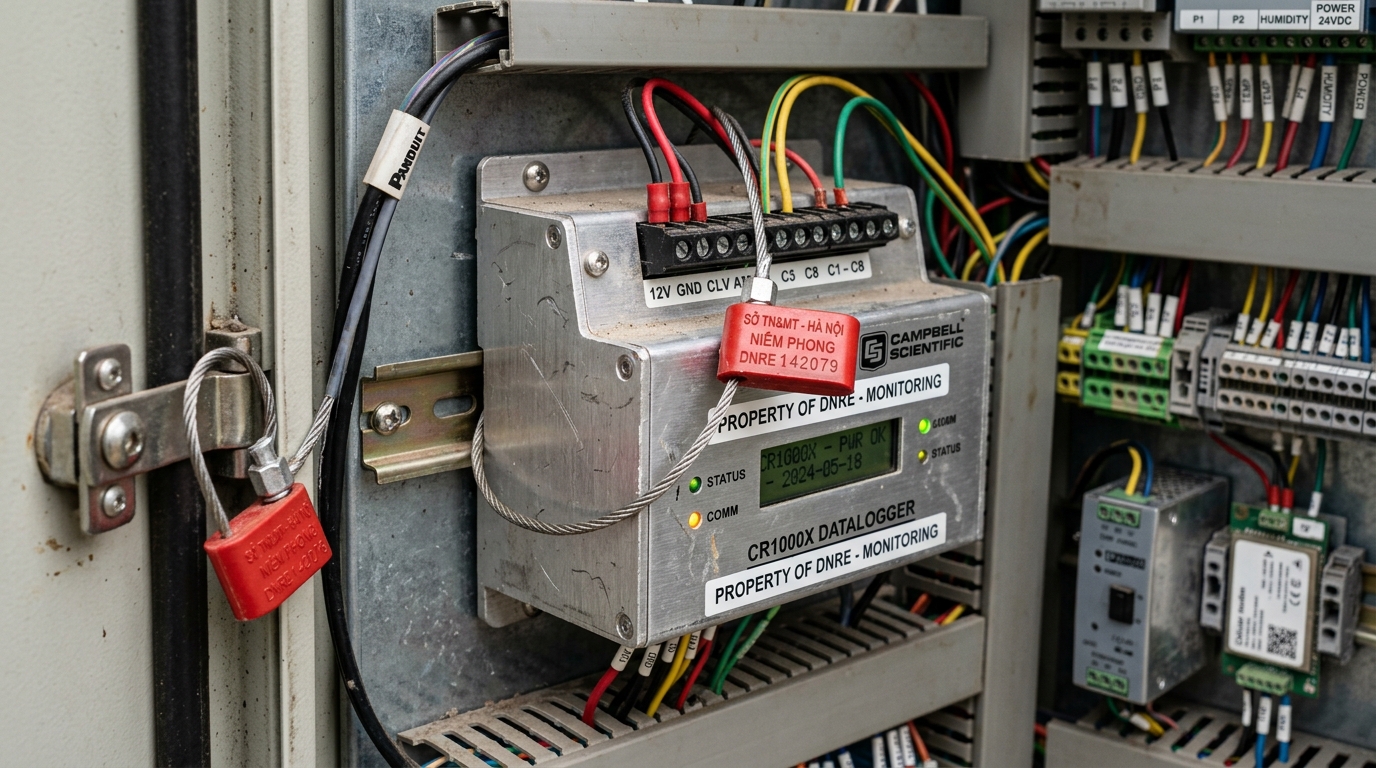
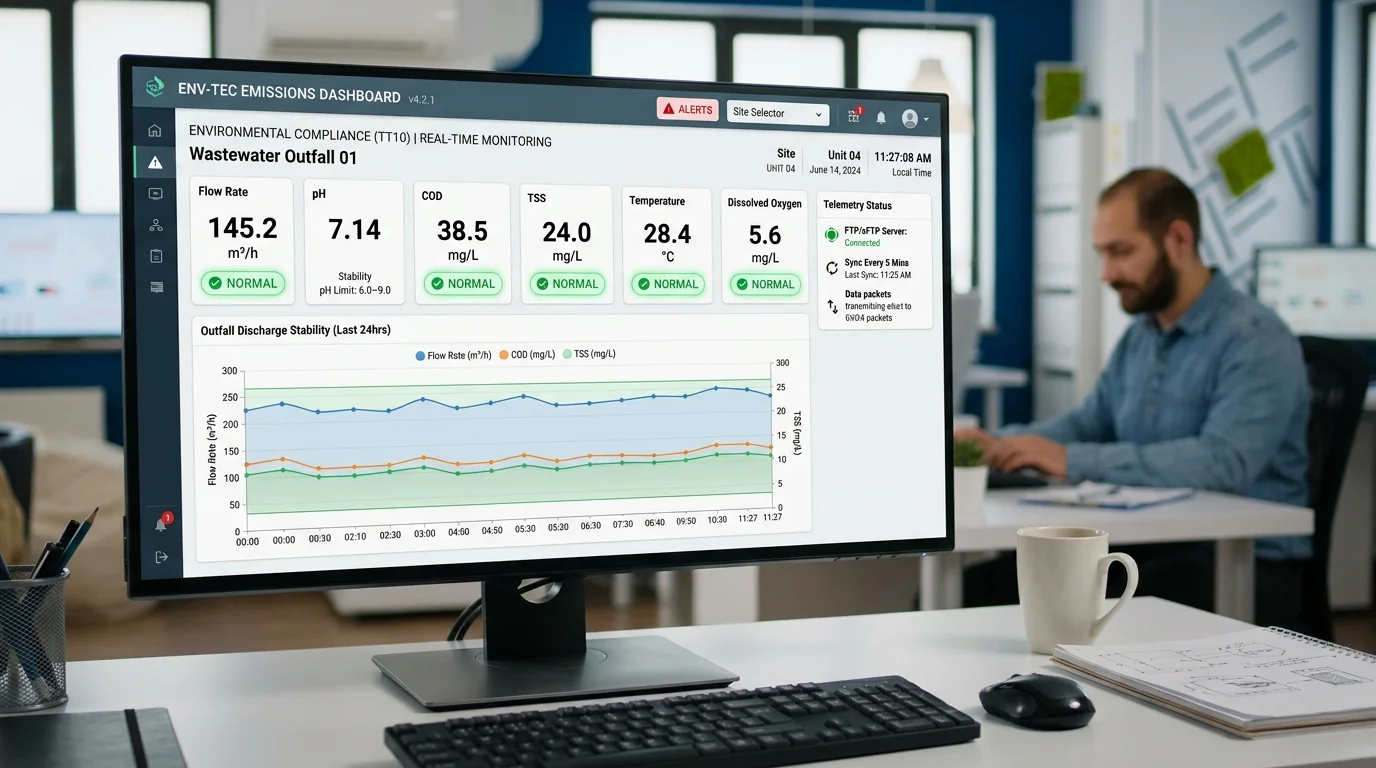
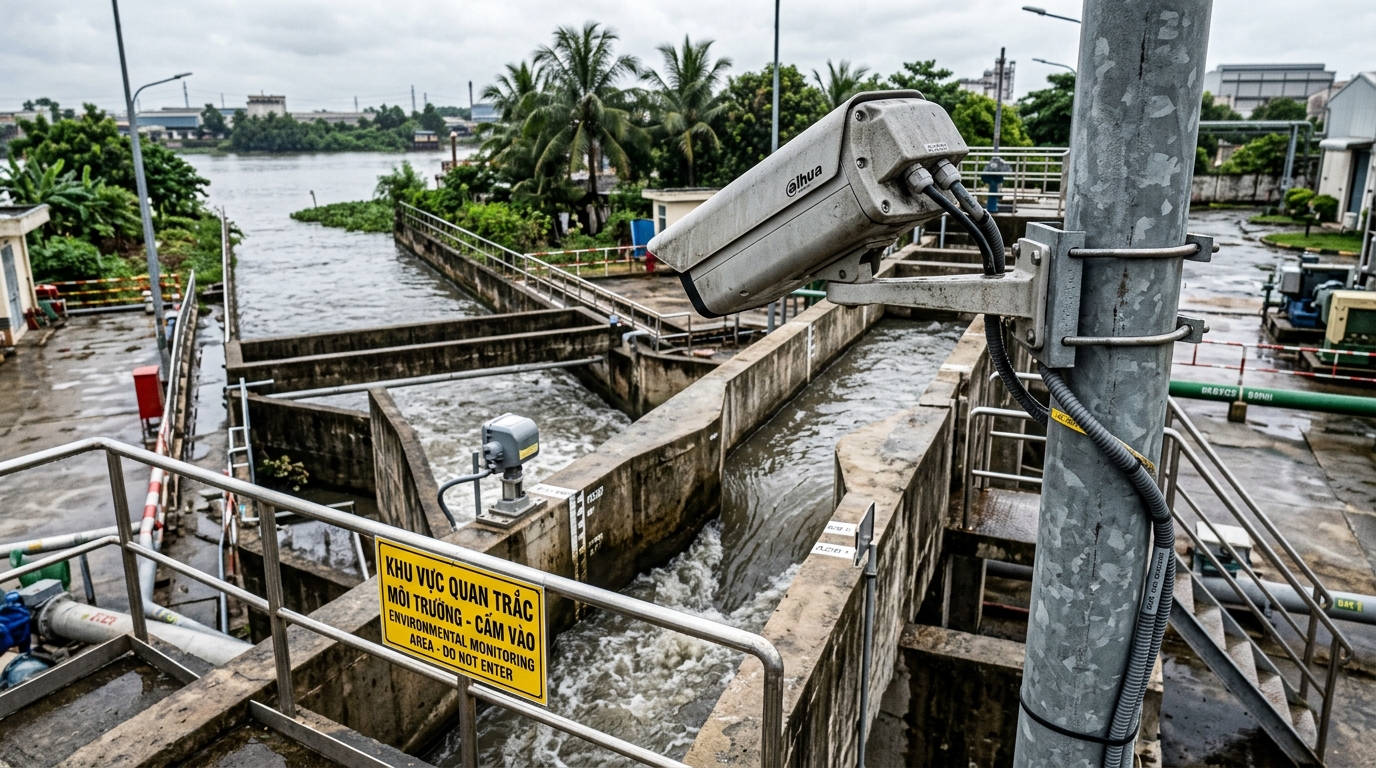
Selecting the proper data transmission protocol—FTP (File Transfer Protocol - Port 21) or SFTP (SSH File Transfer Protocol - Port 22)—is a vital technical decision when commissioning automated environmental monitoring stations transmitting data to provincial Departments of Natural Resources and Environment (DONRE) under Circular 10/2021/TT-BTNMT and Circular 17/2021/TT-BTNMT. While legacy FTP has been the historical default across Vietnam, environmental authorities in progressive industrial provinces (such as Binh Duong, Dong Nai, Ba Ria - Vung Tau, and Hanoi) are aggressively transitioning to encrypted SFTP to eliminate cyber vulnerabilities and prevent man-in-the-middle data tampering.
This technical guide is part of DeviceLab's comprehensive engineering handbook on environmental monitoring datalogger compliant with Circular 10.
For instrumentation technicians in the field, network connection failures remain the single most frustrating bottleneck. Many engineers encounter the classic, baffling anomaly: the datalogger authenticates and logs in successfully, but uploads 0-byte empty files, or hangs endlessly during data transfer. This technical guide explains the architectural divergence between FTP and SFTP, resolves cellular 4G NAT firewall traps (Active vs. Passive Mode), and details the dual-protocol engine built into the DeviceLab DL-ENV10 Datalogger.
Key Differences at a Glance (FTP vs. SFTP):
- FTP (File Transfer Protocol - Port 21): Cleartext unencrypted transmission with split dual channels (Control Channel on Port 21, Data Channel on random high ports). Highly vulnerable to cellular 4G CGNAT blocks unless Passive Mode (PASV) is explicitly enforced.
- SFTP (SSH File Transfer Protocol - Port 22): Entirely unrelated to FTP. Runs on the secure SSH-2 protocol, bundling control commands and file data inside a single, encrypted bidirectional stream on Port 22 protected by AES-256 and RSA public keys.
- Regulatory Direction: Circular 10 permits both protocols, but provincial DONRE centers increasingly mandate SFTP to comply with national governmental cybersecurity directives.
- Datalogger Telemetry Unit: DeviceLab DL-ENV10 supporting native dual-stack FTP and SFTP clients with automated connection fallbacks.
📑 Table of Contents
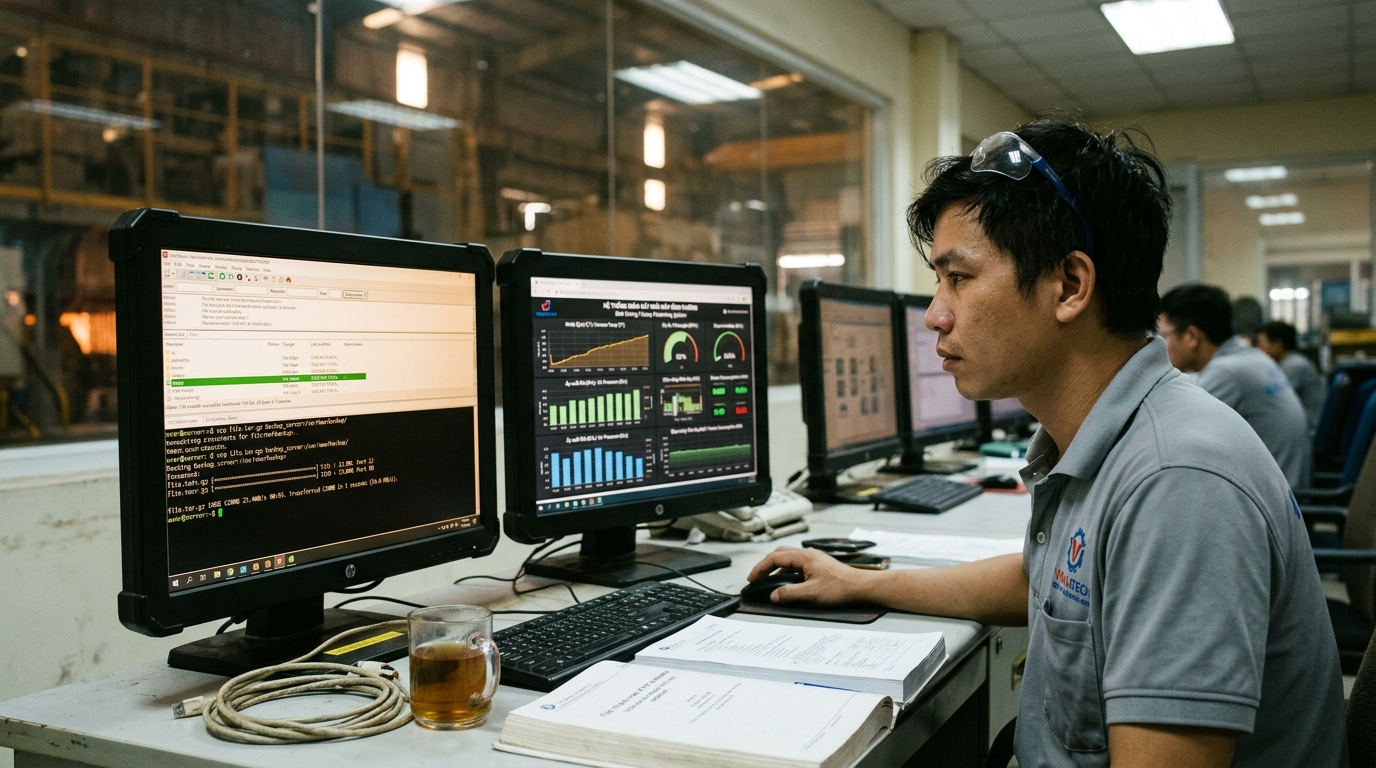
The Structural Shift from FTP to SFTP Across Provincial DONRE Centers
For over a decade, cleartext FTP served as the foundational transmission mechanism for environmental monitoring in Vietnam. However, FTP transmits usernames, passwords, and measurement records in unencrypted plain text over public cellular networks. Anyone equipped with basic network packet sniffers (such as Wireshark) can intercept credentials or execute man-in-the-middle packet spoofing.
To comply with national critical infrastructure cybersecurity laws, provincial DONRE IT departments are systematically replacing cleartext FTP servers with hardened SFTP (SSH-2) servers. SFTP enforces end-to-end symmetric encryption (AES-128 / AES-256), cryptographic packet integrity hashing (HMAC-SHA-256), and optional RSA/ECDSA public-key authentication, guaranteeing that data received by the environmental center originated authentically from the licensed datalogger.
Troubleshooting the Classic Error: "Login Successful but Creates 0-Byte File"
The most pervasive troubleshooting ticket submitted by field engineers is: "The datalogger logs into DONRE FTP successfully, sends the command, creates a text file on the remote server, but the file size remains exactly 0 bytes and the session hangs."
2.1. Root Cause: Active Mode (PORT) Blocked by Cellular 4G NAT Firewalls
Legacy FTP operates in two modes: Active (PORT) and Passive (PASV):
- In Active Mode, the datalogger connects out to the DONRE server on Port 21 (Control Channel). But when file data is sent, the server initiates an inbound connection back to the datalogger on a dynamic TCP port.
- Because industrial dataloggers utilize cellular 4G SIM cards, mobile network operators place them behind strict Carrier-Grade NAT (CGNAT) and internal firewalls. The server's inbound connection attempt is immediately dropped by the cellular carrier. The control session stays open, creating a 0-byte file header, but the actual payload never transfers!
2.2. Definitive Fix: Enabling Passive Mode (PASV) or Migrating to SFTP
To fix this error, engineers must force the datalogger to use Passive Mode (PASV), where both the control channel and data channel originate as outbound connections from the datalogger. Even better: migrate to SFTP, which eliminates secondary data channels altogether, routing all commands and file streams through a single outbound connection on Port 22 that breezes through 4G carrier firewalls.
Comprehensive Technical Comparison: FTP vs. FTPS vs. SFTP
| Technical Criteria | FTP (File Transfer Protocol) | FTPS (FTP over SSL/TLS) | SFTP (SSH File Transfer Protocol) |
|---|---|---|---|
| Standard Server Port | Port 21 | Port 990 / 21 | Port 22 |
| Data & Credential Encryption | None (Plaintext cleartext) | TLS/SSL Encryption | Full SSH-2 Encryption (AES-256) |
| Network Channel Architecture | Dual channel (Control + Data) | Dual channel (Control + Data) | Single multiplexed connection |
| Cellular 4G Firewall Traversal | Poor (Requires explicit PASV mode) | Poor (Complex dynamic ports) | Exceptional (Single outbound port) |
| DONRE Modern Acceptance | Legacy standard (Phasing out) | Rarely deployed in Vietnam | Top recommendation & future standard |