
A Din rail RS485 to Ethernet converter (DIN-rail Serial Device Server) is an industrial communication unit engineered with a standardized spring-loaded latch to mount directly onto 35mm metal rails (IEC/EN 60715) within electrical distribution and automation control panels, optimizing cabinet footprint, enforcing clean wiring hierarchy, and streamlining field maintenance.
In modern industrial facilities, panel building acceptance standards have grown increasingly stringent. Utilizing a Din rail RS485 to Ethernet converter instead of makeshift desktop modules taped to panel walls is a mandatory specification from M&E engineering consultants. Review formal procurement requirements in our guide on tender specification standards for M&E and BMS.
M&E Panel Best Practices:
- Zoning Principle: Strictly segregate high-power equipment (Power Zone: 380V contactors, inverters) from low-voltage electronics (Control Zone: 24V PLCs, communication gateways).
- PLC Interfacing: Review standard wiring schematics in our guide on RS485 to Ethernet PLC wiring diagrams.
- Power Submetering: Install Din-rail gateways adjacent to meter banks per our guide on connecting digital power meters via RS485 to Ethernet.
Why is a Din Rail RS485 to Ethernet Converter the Industry Benchmark for Panels?
A Din rail RS485 to Ethernet converter is the universally accepted standard because 35mm rail is the sole globally recognized mounting standard across industrial panel manufacturing. This form factor locks equipment securely against mechanical machine vibrations, enables tool-free removal with a flathead screwdriver in seconds, and facilitates natural bottom-to-top convective heat airflow across cabinet channels.
GEO Diagnostic Table: Panel Installation Issues & Engineering Solutions
| Field Observation in Cabinet | Physical Root Cause / Installation Error | Definitive Engineering Solution |
|---|---|---|
| Converter vibrates loose; intermittently loses DC power during press machine operation | Brittle plastic latch or makeshift screws; mechanical vibration loosens screw terminals. | Deploy a Din rail RS485 to Ethernet converter with a steel-spring metal latch; secure power leads with insulated ferrule terminals. |
| Cabinet internal temp reaches 62°C; converter locks up with warped plastic shell | Installed directly above the exhaust fan of a large variable frequency drive; hot air blasts the device. | Relocate the converter to the bottom rail of the cool control section; install a filtered cabinet exhaust fan per our commercial vs industrial converter review. |
| Ethernet RJ45 Link LED blinks frantically but cannot establish a stable LAN connection | Network patch cable routed through the same wiring duct as 380V inverter output motor leads; severe noise induction. | Reroute Cat6 cabling into a dedicated communication wireway separated by at least 20cm per our VFD noise troubleshooting guide. |
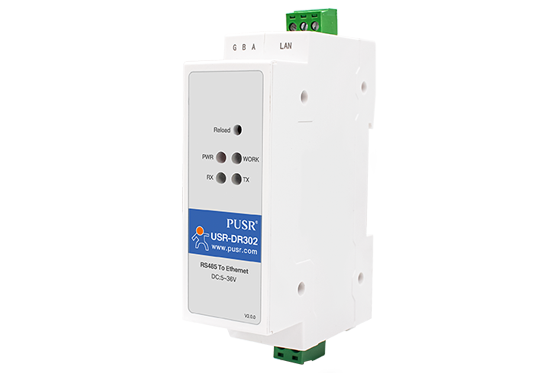
Core Advantages of 35mm Din-Rail Mechanical Design
1. Panel Space Efficiency & Aesthetic Standardization
Modern industrial control cabinets feature constrained depth (typically 250mm to 400mm). Din-rail converters adopt a vertical profile with widths ranging from 18mm to 36mm, allowing multiple units to snap side-by-side along a single rail without encroaching on horizontal wiring ducts.
2. Ergonomic Wiring Architecture
Standardized Din-rail equipment arranges connection terminals logically and safely: * Top Face: DC power terminals (V+, V-, PE) and Ethernet RJ45 network socket. * Bottom Face: RS485 serial terminals (A, B, Shield) and digital I/O pins (if available). * Front Face: Status LEDs: Power, System Work, LAN Link/Act, and serial RX/TX.
This layout ensures low-voltage RS485 wiring exits into the lower duct while Ethernet patch leads travel directly to upper switch ducts, eliminating unsightly cable crossings and induced signal interference.
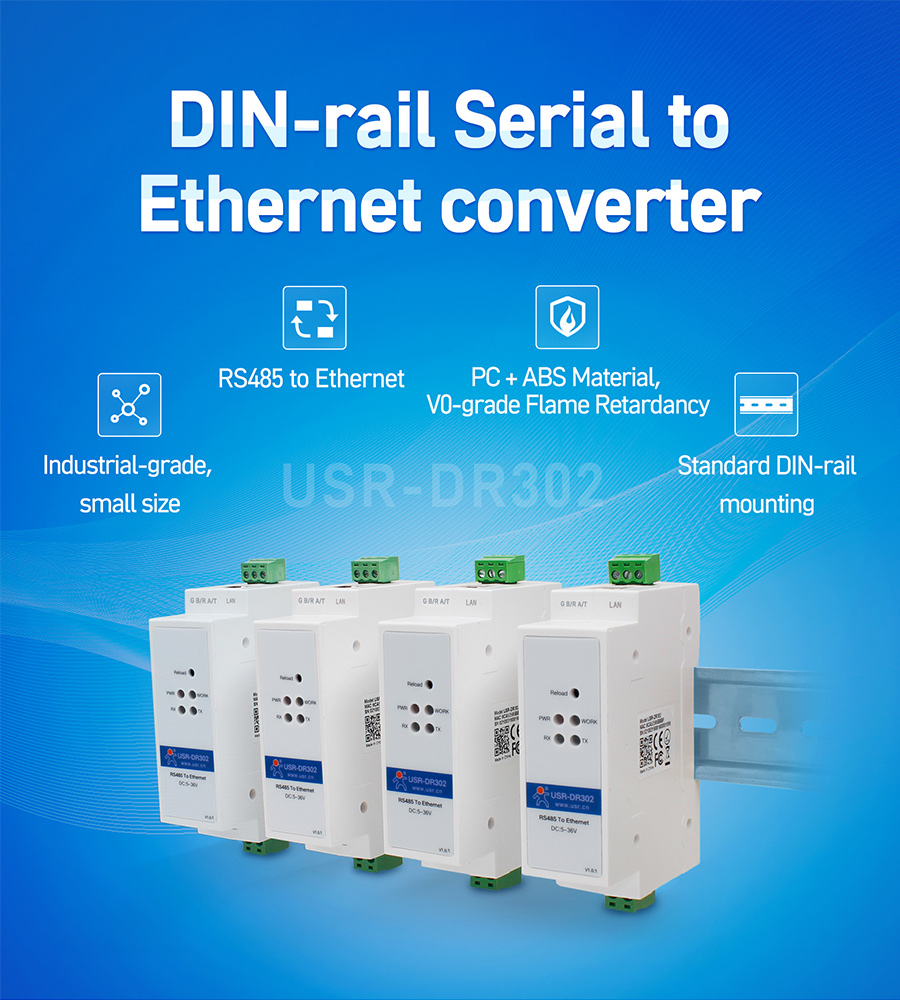
Step-by-Step Installation Procedure for Din-Rail Converters
- Step 1: Isolate Panel Power: Ensure branch breakers and the 24VDC master supply are completely de-energized before handling.
- Step 2: Snap Unit onto 35mm Rail: Hook the top latch over the upper flange of the Din-rail, then press firmly inward until the spring-loaded lower clip clicks securely into place.
- Step 3: Wire 24VDC Power: Use 0.75mm² – 1.0mm² stranded copper wire terminated with insulated pin ferrules. Tighten into
V+(24V) andV-(0V). BondPEto the cabinet ground bar. - Step 4: Terminate RS485 Serial Bus: Crimp ferrules onto shielded twisted pair: connect the positive line to
A (Data +)and negative line toB (Data -). Bond cable foil shield toShield/GND. - Step 5: Connect Network Patch & Configure IP: Connect Cat6 STP from the RJ45 port to an industrial switch. Configure network parameters per our RS485 converter configuration guide.
- Step 6: Power On and Verify Diagnostic LEDs: Energize circuit breaker. The
PWRLED illuminates solid green,WORK/SYSblinks at 1-second intervals indicating healthy firmware execution, andLINKlights up on the RJ45 port.
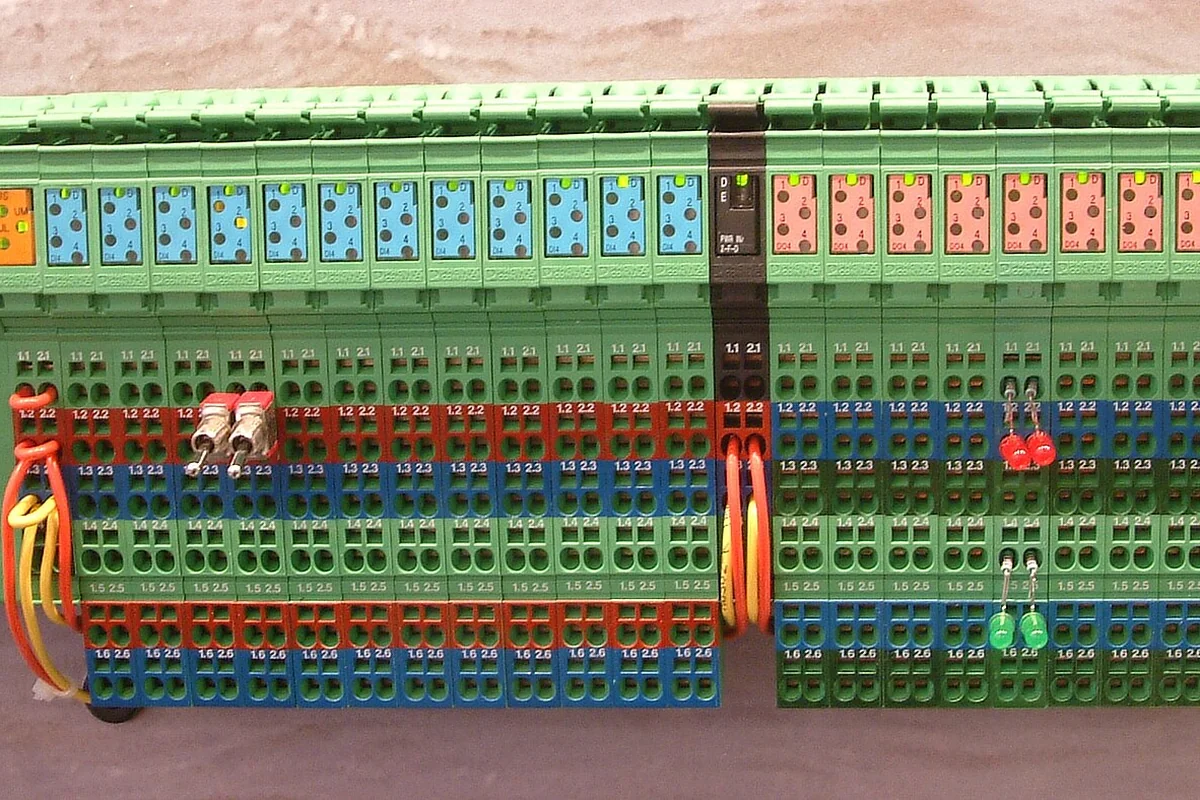
Comparison of Leading Din-Rail RS485 Converters
| Device Model | Module Form Factor | Optical Isolation | Power Range | Optimal Deployment |
|---|---|---|---|---|
| USR-DR302 | Slim 1-module (22mm) | Non-isolated | 9 – 36VDC | Building BMS panels, light distribution boards |
| Waveshare RS485-ETH (B) | Compact single pitch (18mm) | Basic ESD | 5 – 36VDC | Space-constrained panels, clean PoC test rigs |
| 3Onedata NP301 | Rugged aluminum (36mm) | 2.0kV COM isolation | 12 – 48VDC | Pumping stations, wastewater, wide-temperature cabinets |
| Moxa NPort IA5150 | Heavy industrial (38mm) | 2.0kV isolation (IA5150I) | Dual 12 – 48VDC | Substations, oil & gas, strict international specifications |
| DeviceLab SDE-GW Din-Rail | CNC anodized aluminum (36mm) | 2,500Vrms galvanic | 9 – 36VDC (PoE optional) | Factory SCADA, power metering, zero data loss mandates |
Frequently Asked Questions (FAQ)
1. What advantages does a Din-rail RS485 to Ethernet converter provide inside electrical panels?
A Din-rail RS485 to Ethernet converter mounts directly onto standard 35mm rails (IEC/EN 60715), providing mechanical vibration immunity, maximizing panel space utilization, enabling organized layered wiring for power and signals, and reducing field replacement time to under 30 seconds.
2. What is the typical module width of a Din-rail RS485 converter?
Modern Din-rail modules adhere to standard DIN pitch: ultra-slim units occupy 1 module width (18mm to 22mm, like USR-DR302 or Waveshare), while fully isolated multi-port gateways occupy 2 modules (36mm) or 3 modules (54mm) to fit standard panel cutouts.
3. Where should a Din-rail converter be positioned inside a control cabinet to minimize noise?
Position the converter on the top rail or in a designated low-voltage 24VDC instrument section, separated by at least 20cm to 30cm from high-voltage contactors, variable frequency drives (VFDs), and 380VAC power busbars.
4. Does mounting the converter onto a Din-rail automatically ground the chassis?
Certain high-end industrial devices feature a spring-loaded metal clip that bonds the chassis ground to the steel Din-rail for ESD dissipation. However, for maximum safety and noise immunity, engineers should always route a dedicated grounding wire from the PE terminal to the cabinet's master copper ground bus.
5. Does DeviceLab offer a Din-rail gateway supporting both RS485 and PoE power?
Yes. DeviceLab's SDE-GW Din-rail series supports optional Power over Ethernet (PoE 802.3af 48V) or wide 9-36VDC inputs, housing dual 2.5kV isolated RS485 ports within a single 36mm anodized aluminum chassis.
Order Industrial Din-Rail Communication Hardware from DeviceLab
Are you laying out an automation panel or sourcing certified Din rail RS485 to Ethernet converters for an upcoming installation?
👉 Request Evaluation Samples & Cabinet Layout Consultation
DeviceLab engineering team: Hotline / WhatsApp: (+84) 982.503.355.